Contacts
Keep the customer record at the center of the workspace.
Manage contacts, leads, enquiries, bookings, and conversations in one workspace.
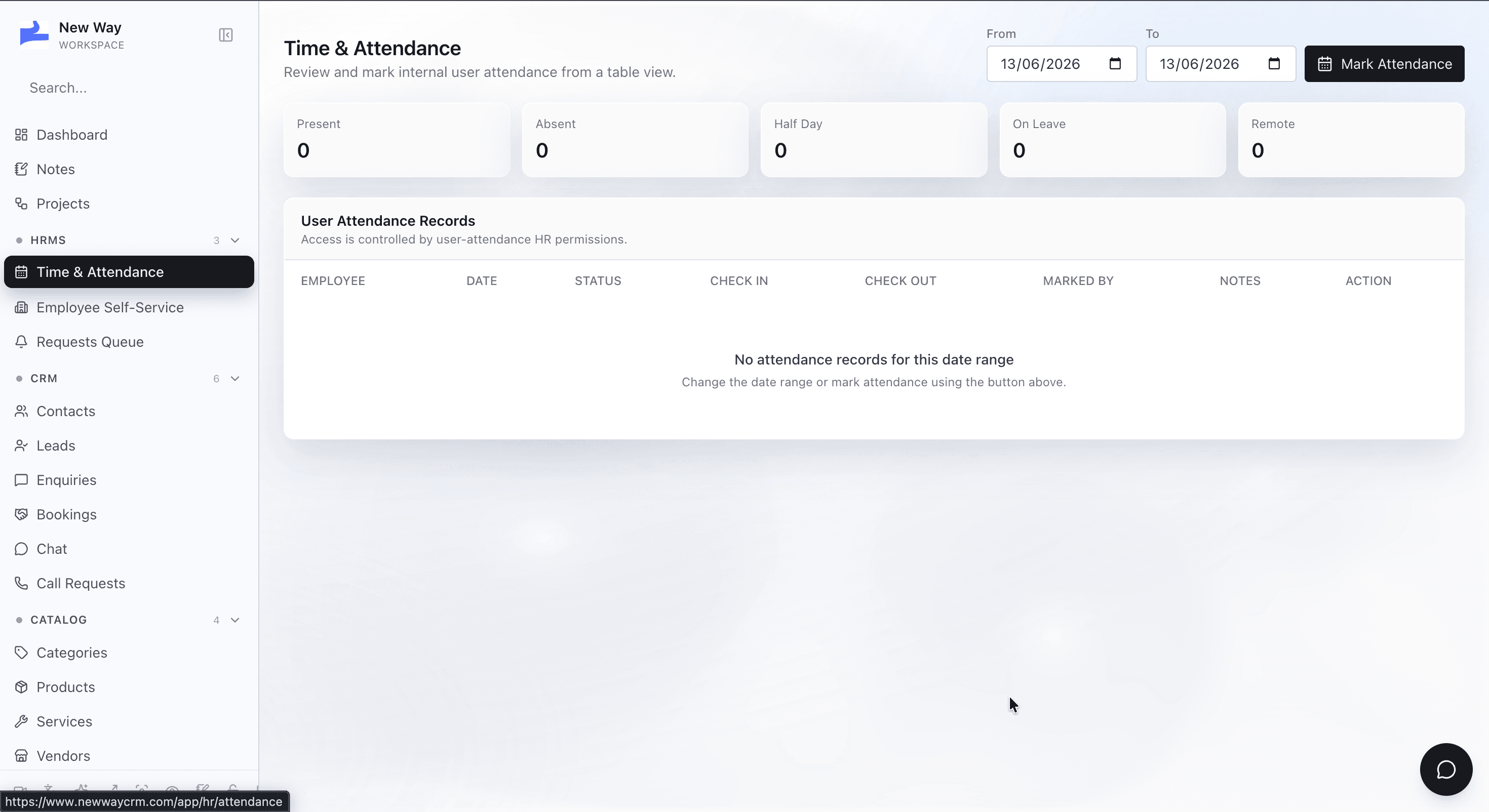
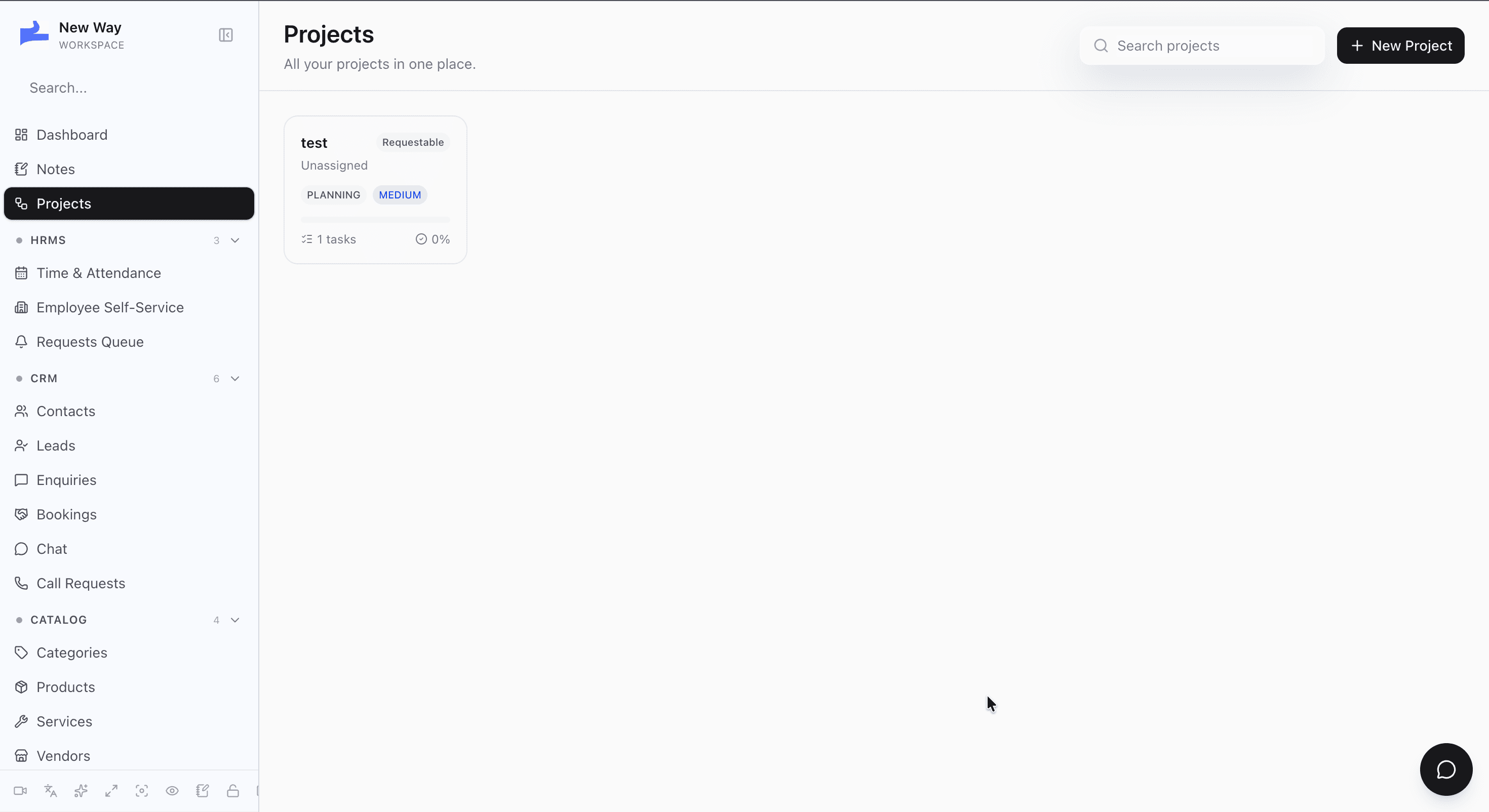
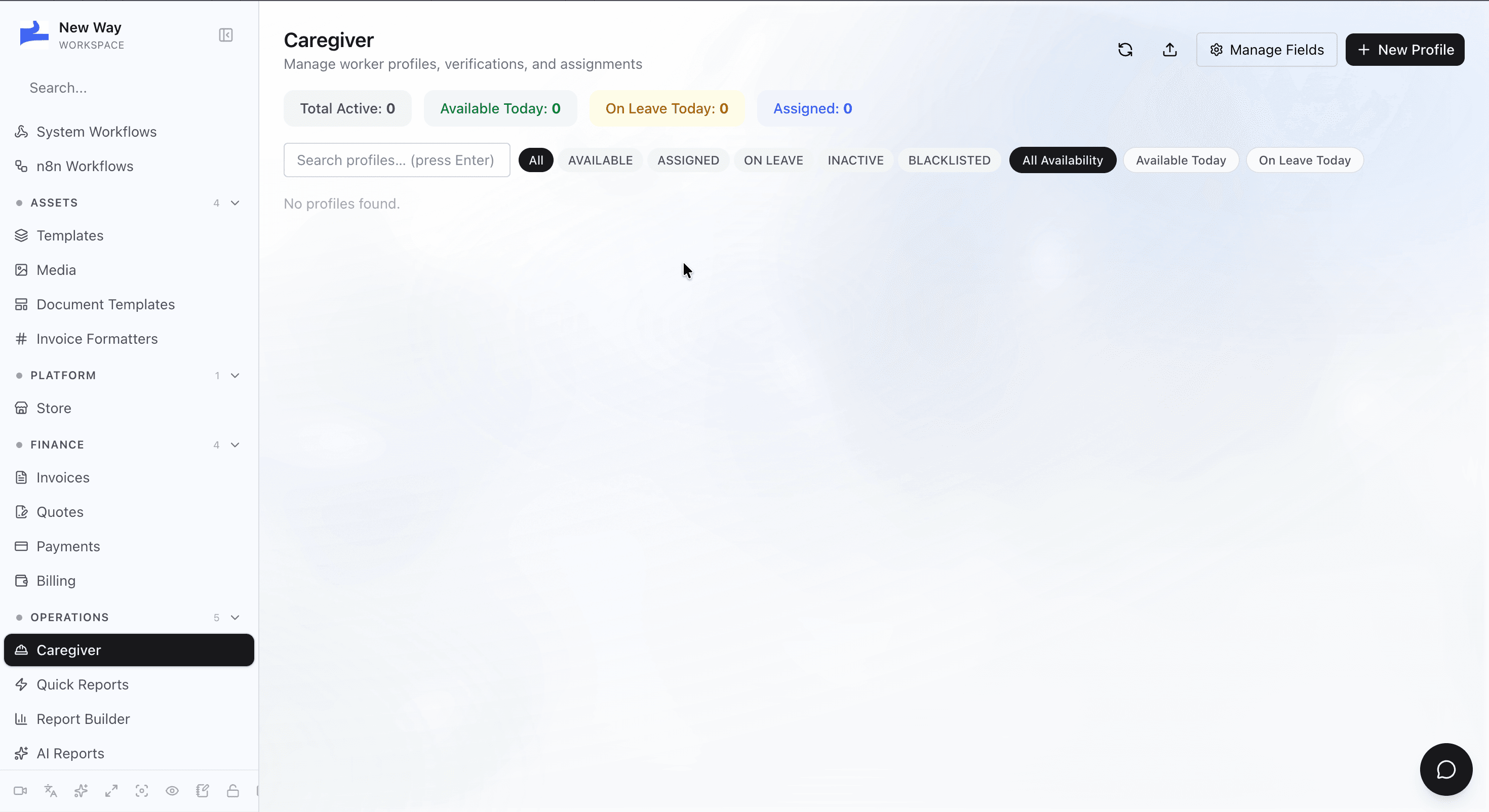
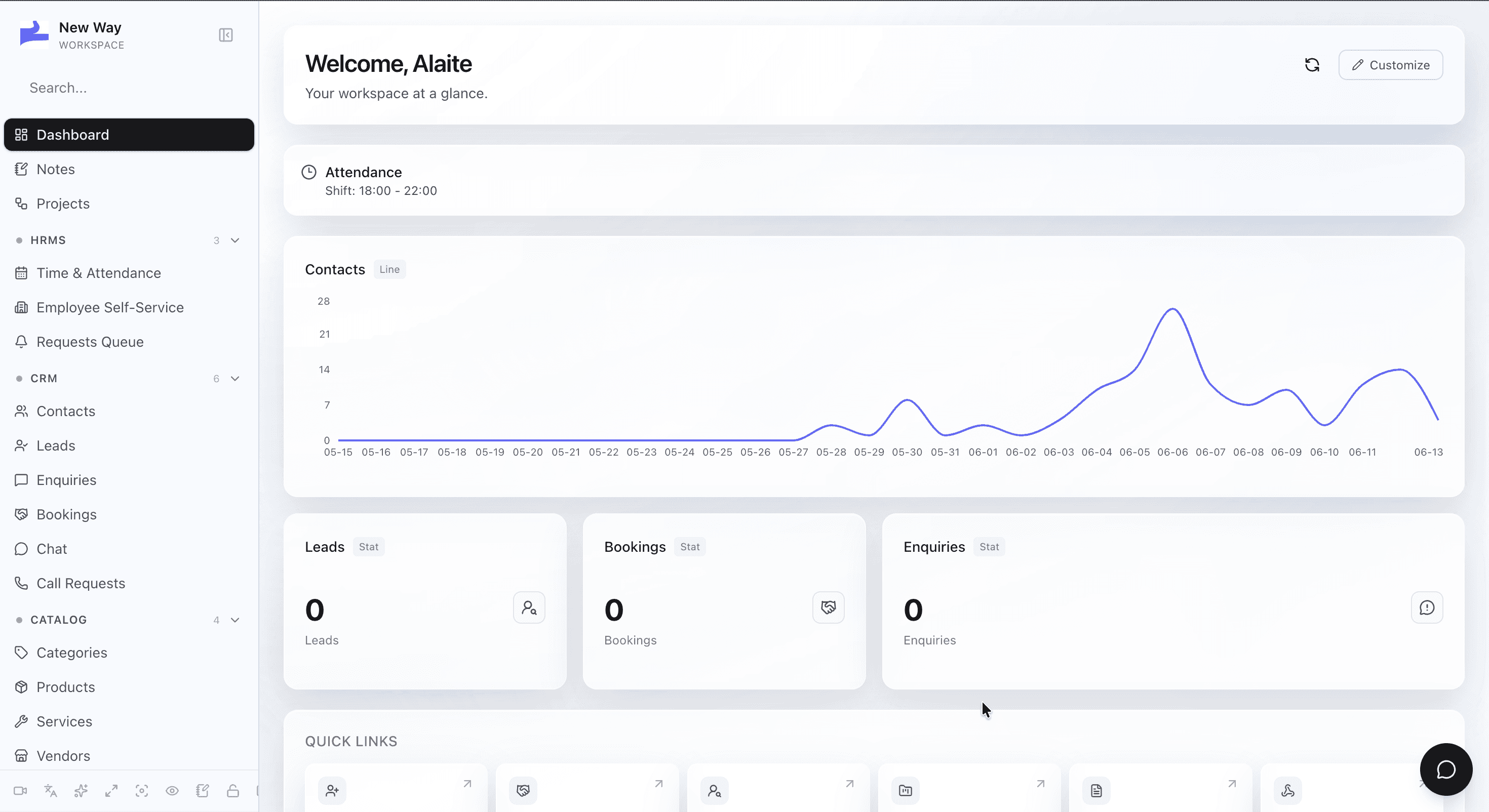
A guided look at the screens that make this feature work.
Keep the customer record at the center of the workspace.
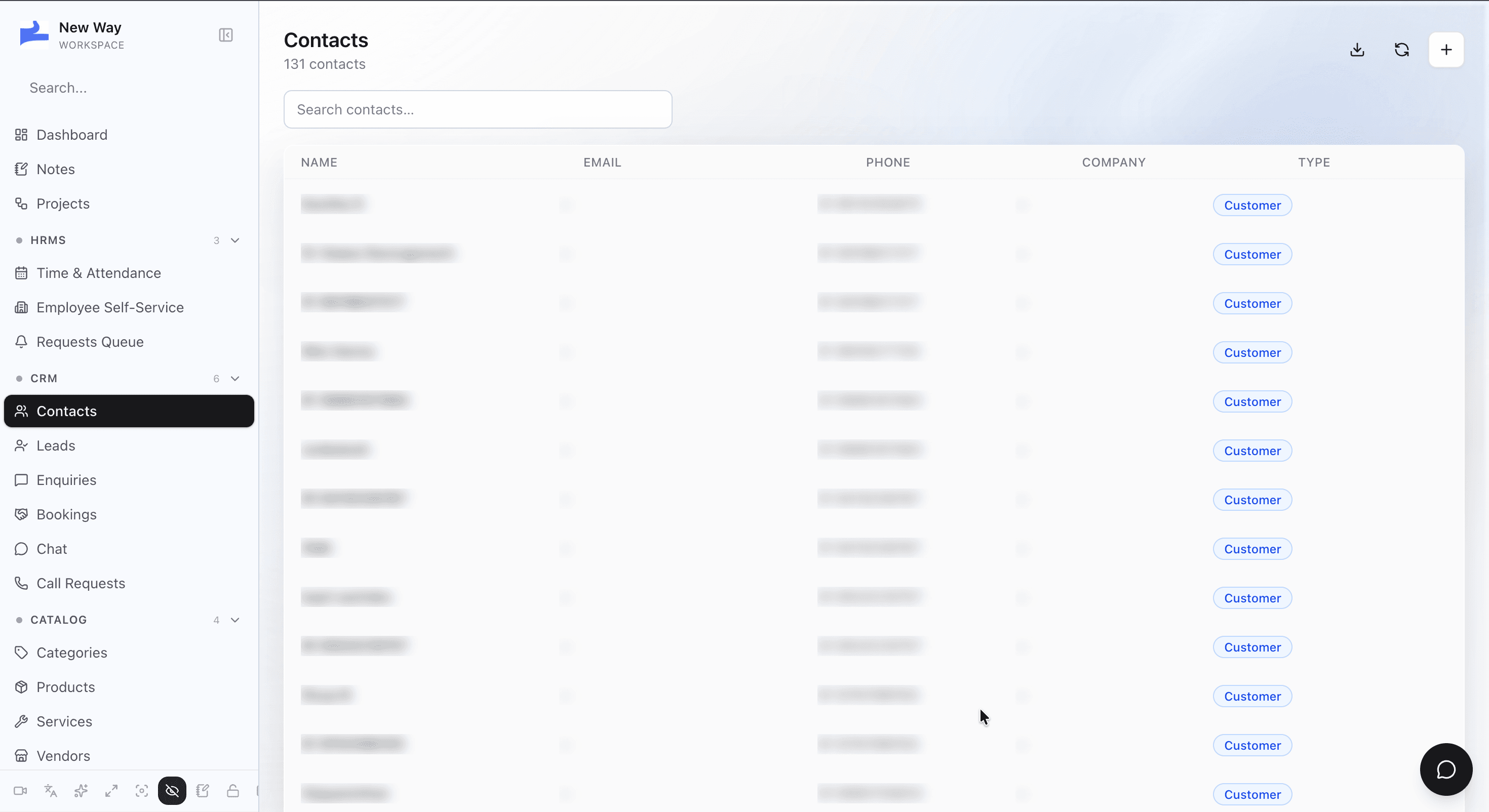
Track incoming interest before it loses momentum.
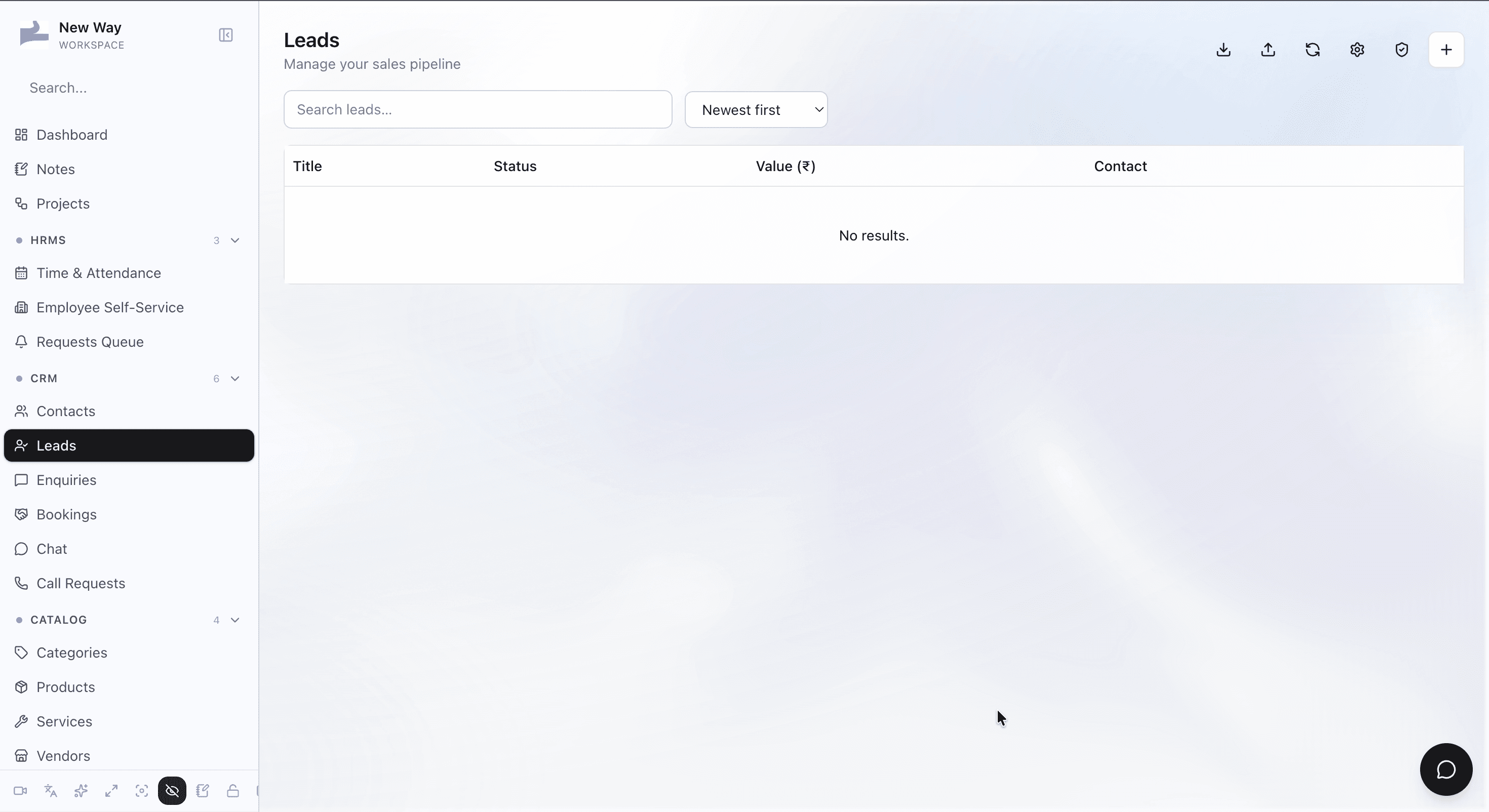
Capture requests and move them into the pipeline.
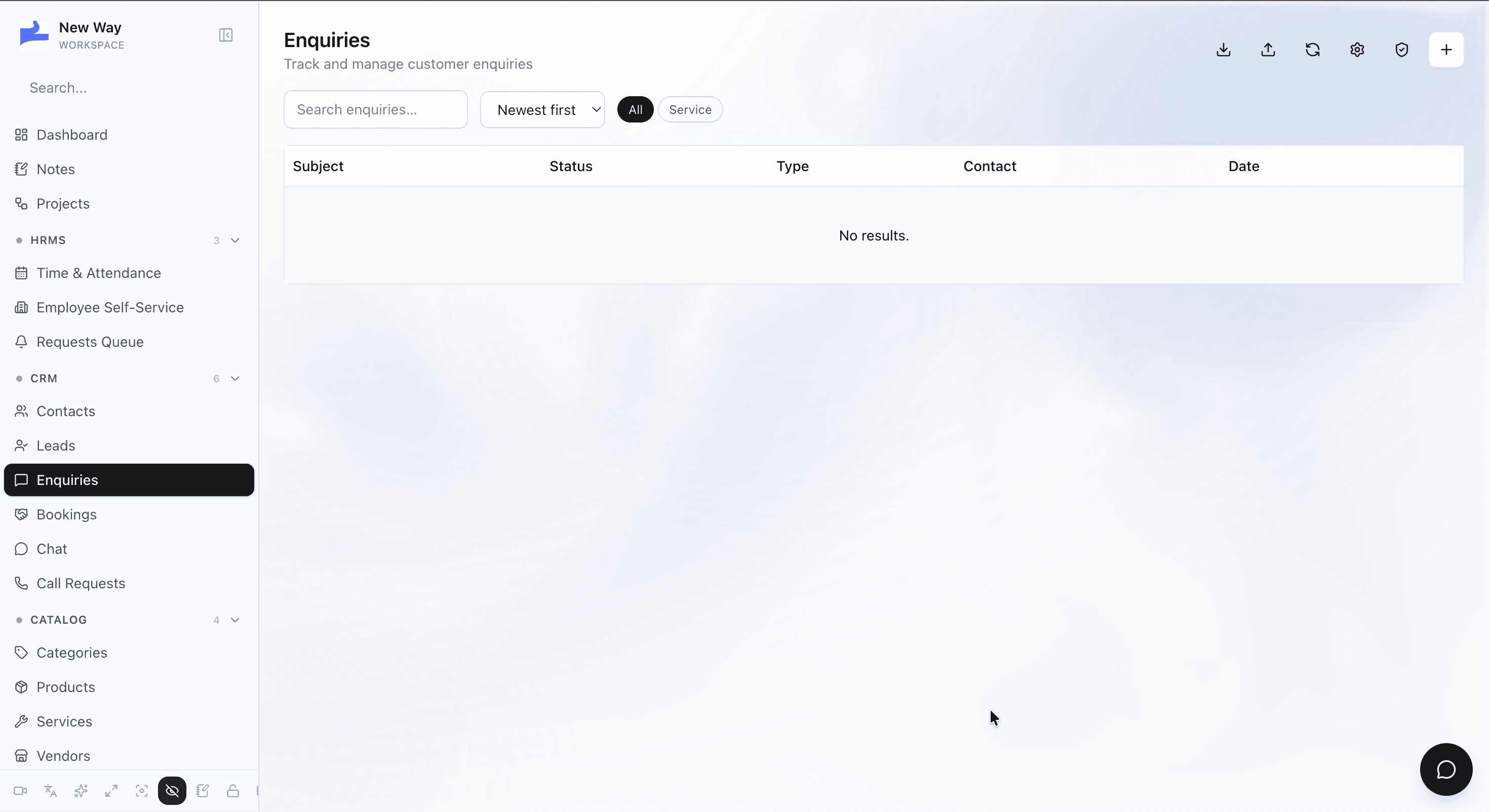
Connect scheduling to the same customer timeline.
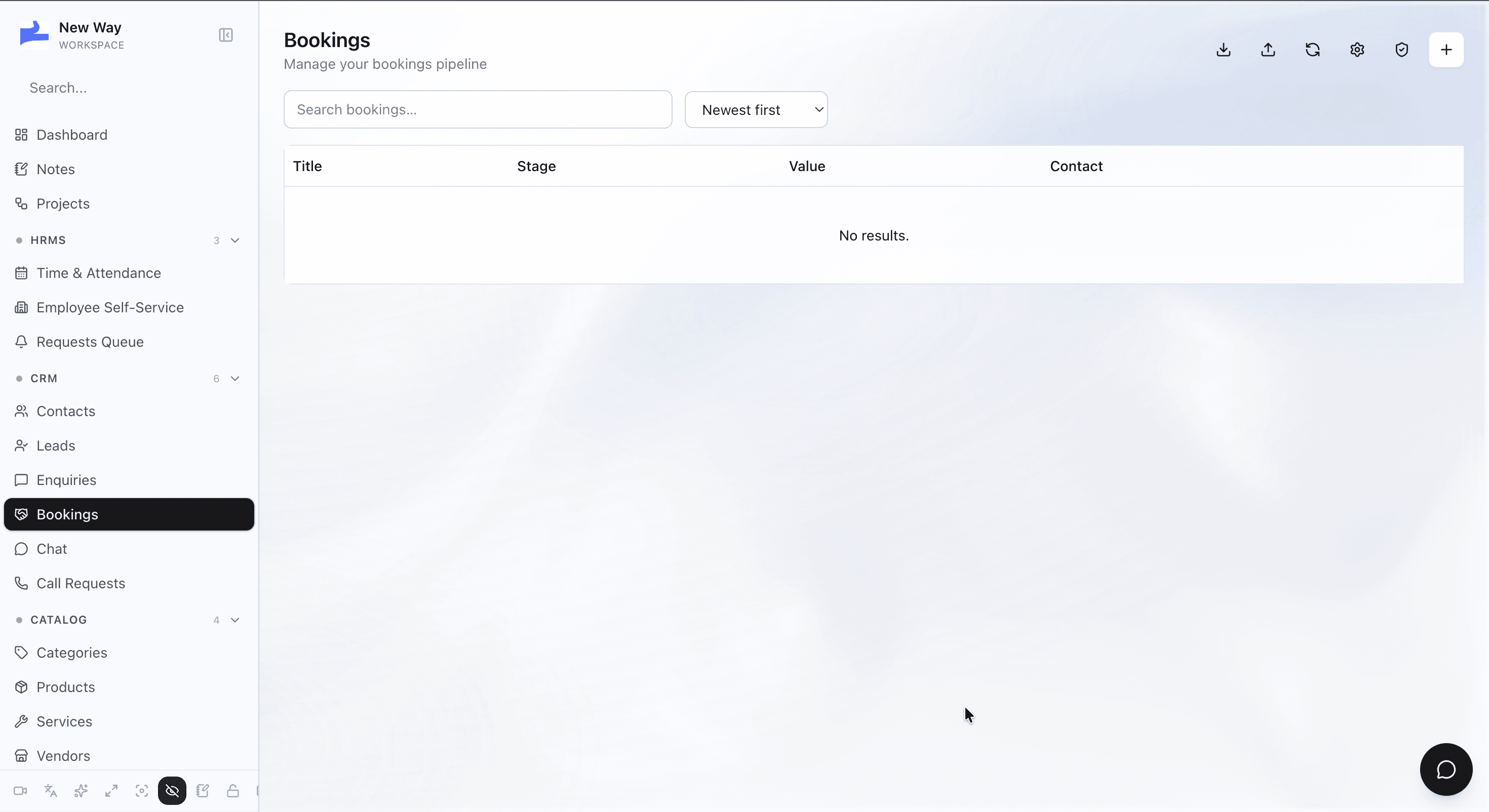
Review messages alongside the rest of the record.
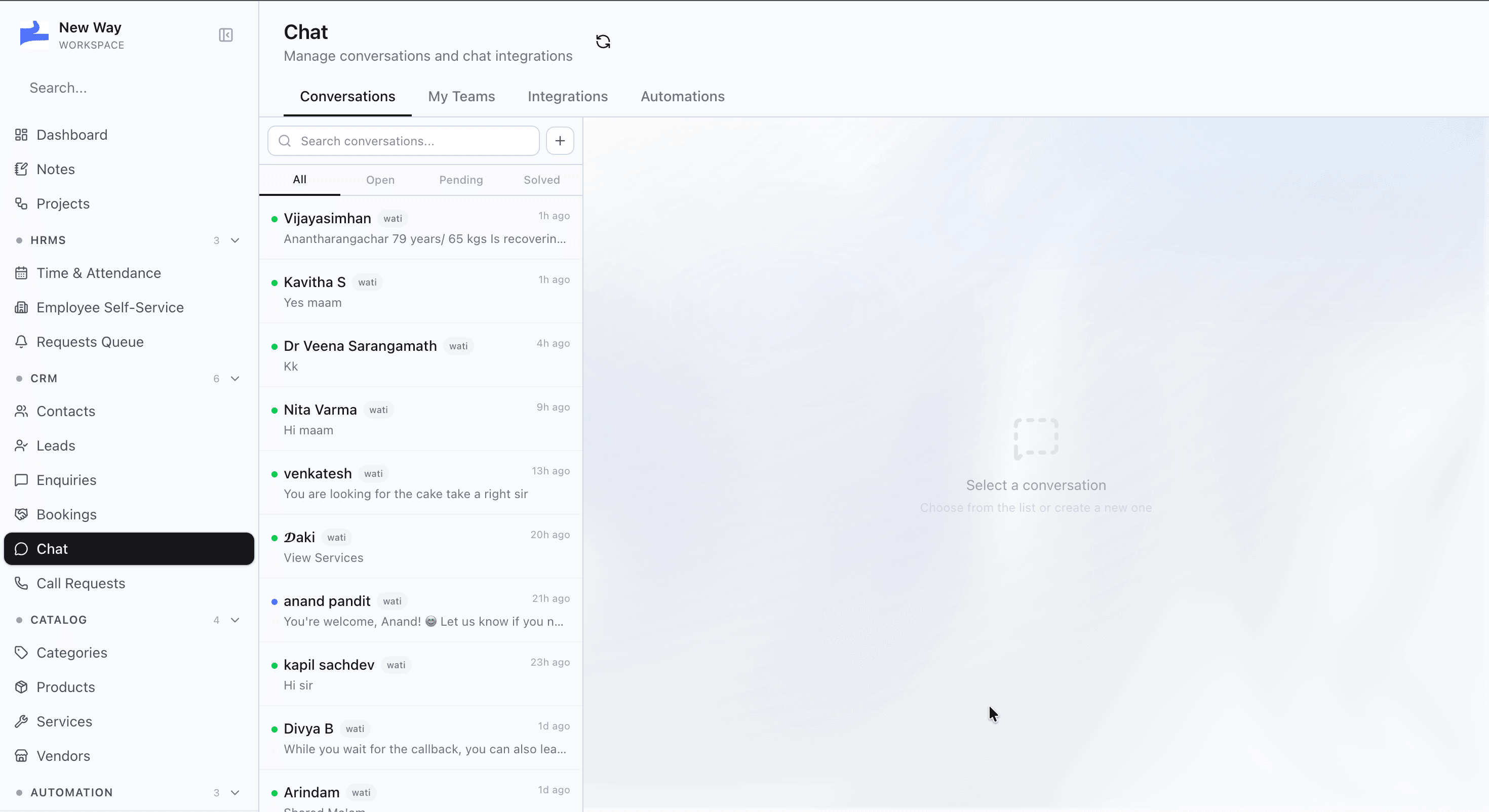
Manage contacts, leads, enquiries, bookings, and conversations in one workspace.
Keep every customer, prospect, and conversation connected to a single record.
Your team gets one source of truth instead of scattered spreadsheets and disconnected tools.